

Introduction
In today’s fast-paced engineering world, the primary requirement is minimum effort and maximum results with total accuracy. While AI is capable of achieving this, it lacks human intuition; it only executes based on our command. To truly reduce your workload, you must learn to reduce your "prompt time" and escape the repetitive loop of ineffective prompting.
Think of yourself as a Structural Engineer. Sometimes you are building an independent algorithm—a single "brick"—and other times you are syncing an entire skyscraper across a multi-layer project. This guide moves you from zero to expert, showing you how to convert hard manual labor into Super Smart Work.
1. The Four Tiers of Velocity
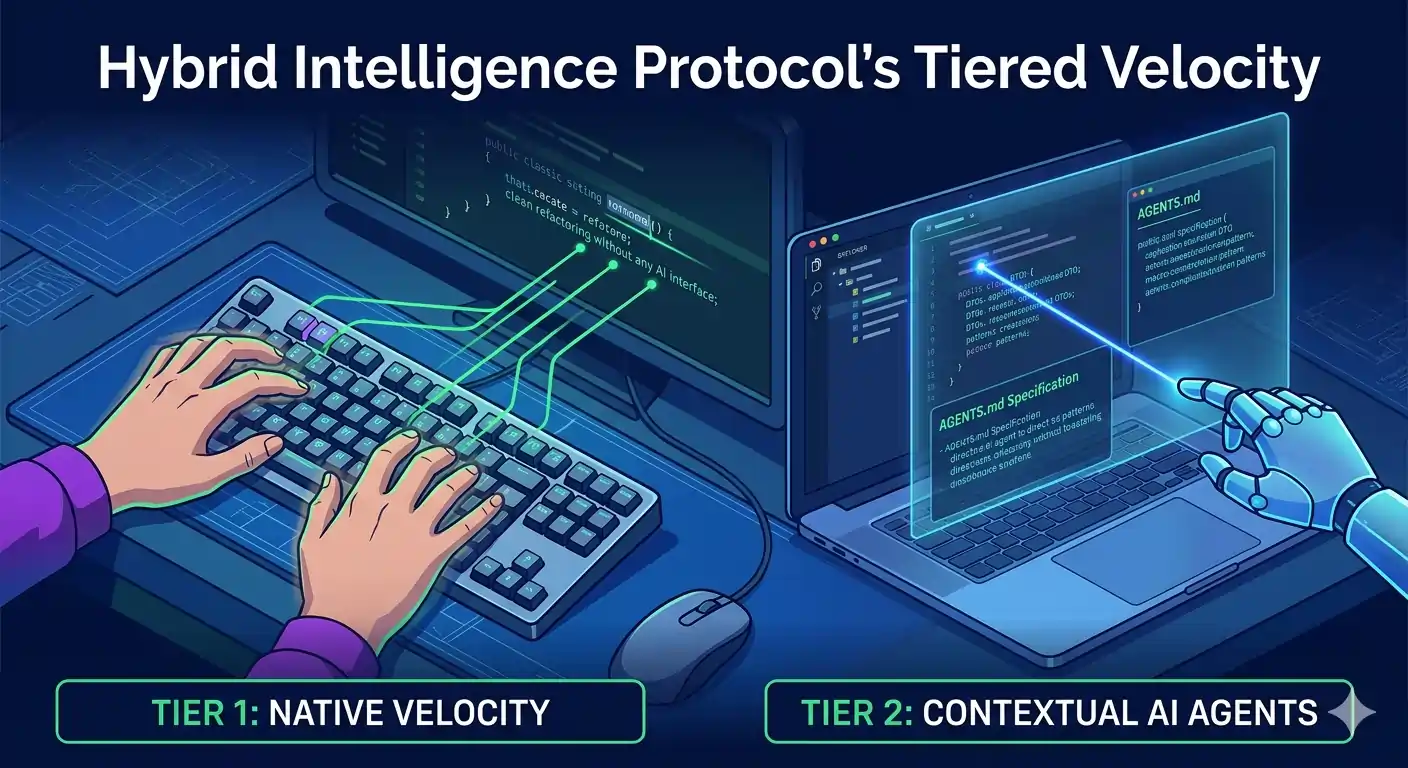
This protocol defines exactly WHERE and HOW we use AI to maximize speed without sacrificing security or quality:
Tier 1: Native Velocity (The Zero-Prompt Zone)
- The 2-Minute Rule: If typing or refactoring takes less than 2 minutes, DO NOT write a prompt.
- Avoid the Rename Trap: Do not use AI to rename variables or add single properties; it is faster and safer to use native IDE tools like F2.
- Master Your Tools: Rely on keyboard mastery, custom snippets, and IDE shortcuts to maintain momentum.
Tier 2: Contextual AI Agents (Agentic Sync)
- Context Sharing: The agent must have access to the codebase context to understand your architecture.
- The Technical Spec: Do not use conversational sidebars for multi-file logic. Instead, create an AGENTS.md file for the agent to read.
2. The Power of the AGENTS.md File
An AGENTS.md file serves as a dedicated instruction manual for AI. While a README.md is for humans, the AGENTS.md contains the detailed technical context that coding agents need—build steps, tests, and conventions—that might otherwise clutter human documentation.
Why we keep it separate:
- Predictability: It gives agents a clear, predictable place for technical instructions.
- Focus: It keeps human-facing READMEs concise and clean.
- Precision: It provides agent-focused guidance that complements existing project documentation.
The "Continuous Training" Workflow
Your AGENTS.md should be a living document that grows as your project evolves. Once you are satisfied with an AI's performance in a session, you must archive that intelligence.
- The Update Prompt: Tell the AI: 'Summarize everything you have achieved and learned in this session, then update the AGENTS.md file with this new context.'
- Automatic Evolution: You can also set a rule in your agent file to update itself every time a task is successfully completed. This ensures your agent becomes 'stronger' for future tasks because it knows your project's unique history and logic.
3. Template: AGENTS.md Structure
Use this systematic format to ensure the AI respects your project standards:
4. Precision Refactoring: Strategic Methods
To keep AI accurate and prevent it from making incorrect changes, structure your instructions based on the work required:
- Targeted Module Changes: Explicitly define the Impact Zone (where changes are effected) so the AI knows exactly which files to verify.
- The Anchor Comment Method (Function Level): This is the most surgical way to refactor. Instead of a long prompt, use markers directly in your code.
Step 1: Mark your code
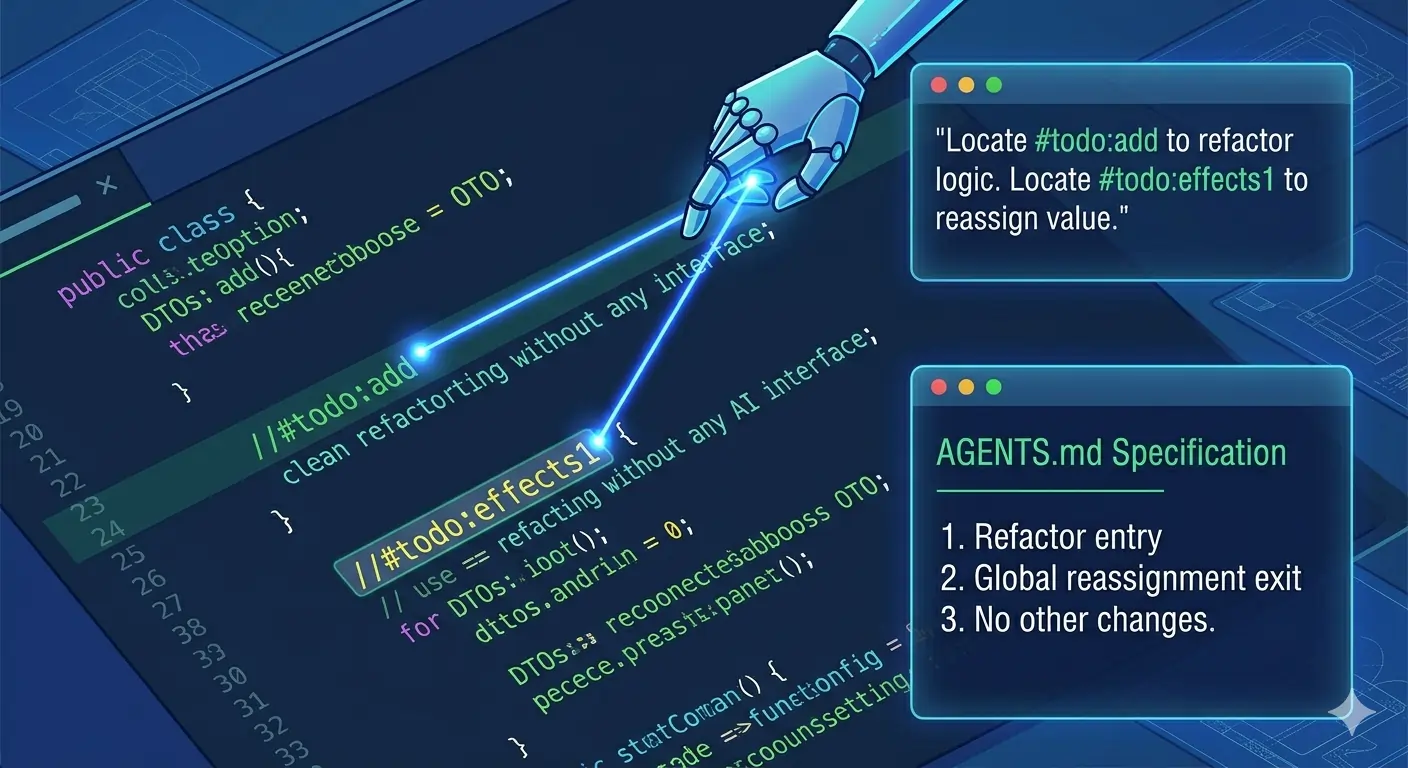
Step 2: Reference in AGENTS.md
Your instructions become surgical: "Locate #todo:add to refactor the logic and update the assignment at #todo:effects1. You must update all call-sites across the project if function arguments are changed."
5. Security and The Human Wall
Tier 3: Browser-Based AI (The Consultant)
Use external AI (like ChatGPT or Claude) for isolated logic with zero project context.
- Usage: Best for Regex, CSS, Algorithms, or complex math.
- Security (Zero-Leakage Policy): Mandatory use of Dummy Data. There is a hard ban on sharing real API keys, PII, or confidential company info in browser windows.
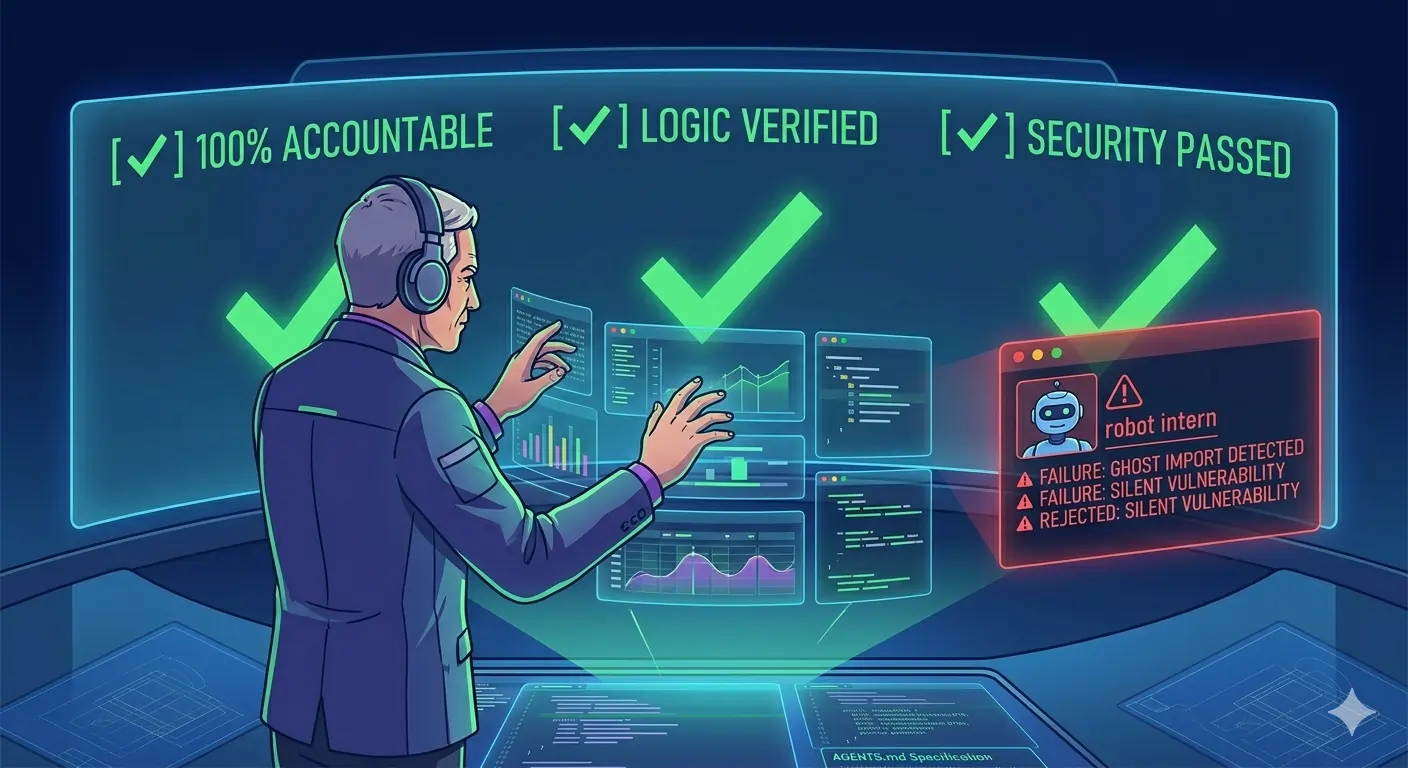
Tier 4: The Human Wall (Mandatory Audit)
AI is the intern; you are the lead. Developers are 100% responsible for AI-generated code; there is no blind merging.
- Line-by-Line Verification: Audit the logic and check for side-effects.
- Spotting Silent Failures: Check for 'Ghost Imports' (non-existent libraries) and 'Version Drift' (outdated syntax).
- Final Validation: AI code must pass all local unit tests and security checks for SQLi or Auth-bypass vulnerabilities before it is merged.
Conclusion: Universal Compatibility
The beauty of this protocol is its simplicity. You do not need to set up a specific AI or specialized agent. Because you are providing a full guide, clear definitions, and anchor comments within your project, every standard AI agent is capable of following this protocol. You provide the guidance; the AI provides the velocity.